
MemoCard.io turns any list into printable double-sided flashcards: you create your list in the app, choose the PDF export as flashcards, and you get a file ready to print and cut out. No more drawing, copying out and cutting dozens of cards by hand. Here's how to do it, and how to make the most of them.
In short
- One MemoCard.io list = one printable deck of flashcards.
- The PDF contains a cover page and double-sided cards (question on the front, answer on the back).
- The layout is designed to be easy to cut out.
- Free, like the rest of the app.
How to print your flashcards, step by step
- Create your list in MemoCard.io (one word and its answer per line), or import it.
- Open the list and choose PDF export, in flashcard format.
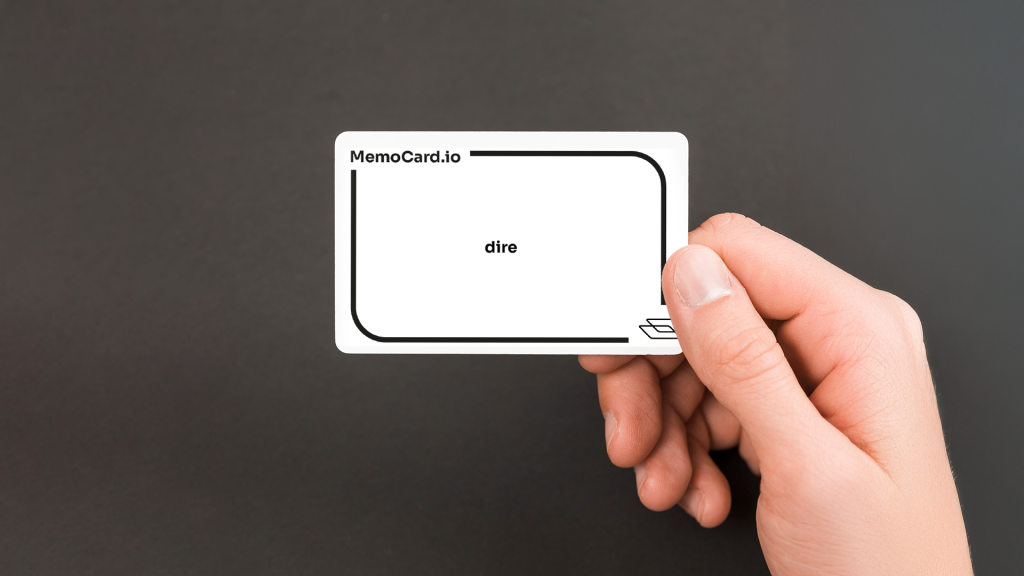
- Print double-sided. The front shows the question, the back the answer.
- Cut out following the guides. The cover page helps identify the deck (subject, chapter).
Printing tip: if your printer doesn't do automatic double-sided printing, print the odd pages, put the stack back in the tray, then print the even pages. Do a test on a single sheet to check the orientation. Slightly thicker paper (160 gsm or more) makes the cards sturdier.
Why review with paper flashcards?
A screen isn't always the best place to study:
- zero notifications : you stay focused on the card;
- handy for quizzing : a parent or a classmate holds the deck;
- great in class : pair work, start-of-class rituals, games;
- suited to younger children, for whom handling cards is more concrete.
And since the list stays in the app, you can combine both: paper at home, phone on the bus, with scheduled reviews and Learn mode for spelling.
Reviewing well with paper cards
The right approach is the same as with any flashcard: read the front, think of the answer, flip, check.
- Make two piles: "I knew it" and "I didn't know it".
- Go through the "I didn't know it" pile again until it's empty.
- The next day, then a few days later, do a full round again.
This principle of increasingly spaced reviews is called spaced repetition. With paper cards, the Leitner box method lets you organize it: one box per interval, and a card you get right moves up a box.
Ideas for using them
| For whom | Idea |
|---|---|
| Students | One deck per chapter, to slip into your pencil case |
| Parents | Quiz the evening's vocabulary in five minutes |
| Teachers | A start-of-class ritual in pairs, or a team game |
| Adults | Work vocabulary or travel language |
For a test rather than cards, MemoCard.io can also generate a paper quiz from the same list.
Create your list in MemoCard.io and print your flashcards for free. Available on iPhone and Android.
Frequently asked questions
Is printing flashcards free?
Yes. PDF export is part of the free app.
Can I print the list as a table?
Yes. PDF export also offers a table, handy for sticking the list in a notebook or for quizzing.
For which subjects?
Anything that fits a question / answer: vocabulary, dates, capitals, definitions, formulas, multiplication tables.